
Private video journal
A private video journal that stays yours.
Your recordings stay in Jourvelope on your phone. No account, no feed, no followers.
A video diary only works if you can be honest in it, and that means knowing where it goes. This page sets out exactly what stays on your device and what doesn't.
 Today
Today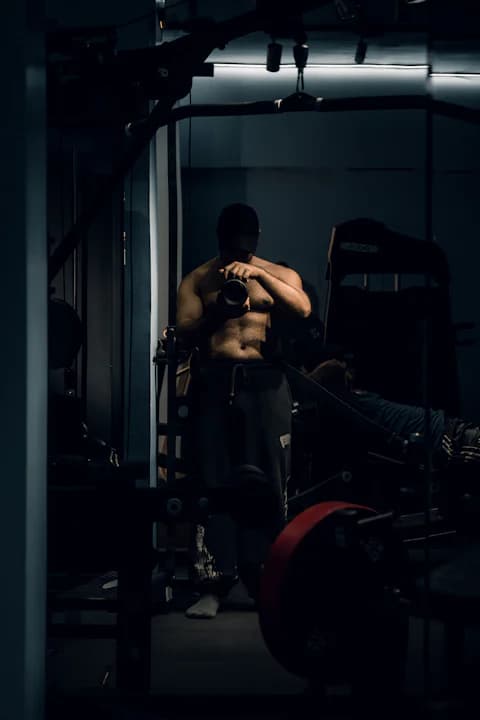 Day 90
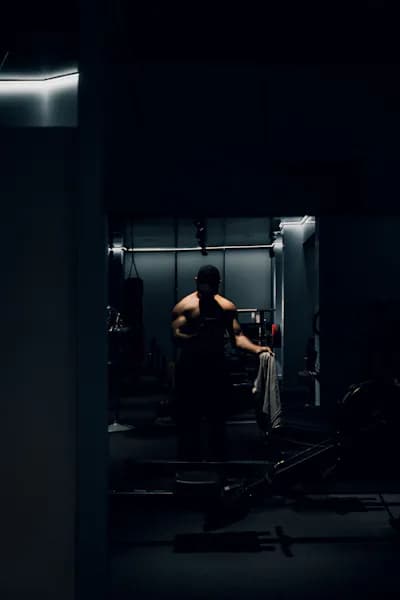 Day 30
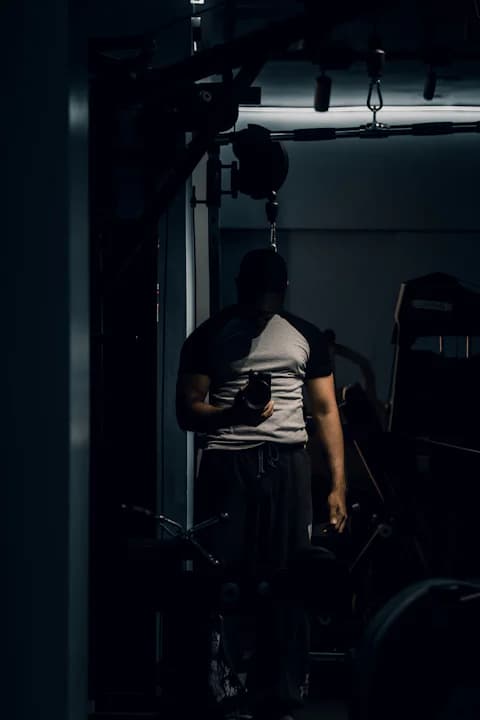 Day 1
Day 1What private means here
Built for you, not for an audience.
Privacy in Jourvelope isn't a setting you turn on. It's how the app works.
No account
Nothing to sign up for, so there's no profile tying your journal to you.
No feed
Nothing to post, nobody to follow, no likes. You're not recording for anyone.
Not in your gallery
Recordings live in the app's own storage, not your camera roll.
Not uploaded
Jourvelope has no server holding your videos. They stay on your phone.
You decide what leaves
A video only leaves the app when you share, save or export it yourself.
Analytics without content
Usage events never contain your videos, goals, journey names or captions.
The details
What stays on your phone, and what doesn't.
“Nothing ever leaves your device” would be a simpler claim, but it wouldn't be accurate for any app that sells an upgrade or measures usage. Here's the full picture.
| Data | Where it's kept | Leaves your phone? |
|---|---|---|
| Your videos and their audio | Jourvelope's own app storage on your phone | No, unless you share, save or export |
| Goals, journey names, captions | On your phone | No, unless you export |
| Usage events (e.g. a recording was made, its length) | Sent to PostHog | Yes, pseudonymous, never content |
| Purchases and Pro status | Google Play and RevenueCat | Yes, to process and restore purchases |
| Crash and performance reports | Google Play | Only if you allow sharing in your device settings |
| Device backup | Your Google account | Possibly, if Android backup is on |
The full detail, including retention and your choices, is in the privacy policy.
Good to know
Local storage has trade-offs. Here they are.
Keeping videos on your phone means you're in control, and also responsible for them.
- Deleting the app deletes your recordings.So does clearing its data. There's no cloud copy to restore.
- Export keeps a copy. With Pro, export a journey as a ZIP of its videos plus its history (dates and the day-by-day timeline), built on your phone and saved wherever you choose.
- Saved videos go to your gallery. If you save a transformation video or recap, that copy is stored in a Jourvelope folder under Movies, where photo-backup apps can see it.
- Android backup may include app data.If device backup is on, Android can include Jourvelope's data in your backup, within Google's size limits.
- Your screen lock is your lock. Anyone who can unlock your phone can open the app, so use a PIN, pattern or biometric lock.
Permissions
What the app asks for, and why.
Jourvelope asks for as little as it can.
| Permission | Why |
|---|---|
| Camera | To record your entries |
| Microphone | To record your voice with them |
| Notifications | For the reminder you choose. Optional |
| Run at startup | To restore your reminder after the phone restarts |
| Google Play billing | To buy and restore Pro |
No contacts, no location, no access to your photo library.
FAQ
Privacy questions.
Does Jourvelope upload my videos?
No. Recordings are saved in Jourvelope's own storage on your phone and aren't uploaded to Jourvelope or anyone else. There's no Jourvelope cloud and no account.
Can other apps or my gallery see my recordings?
Recordings are kept in the app's own storage, not in your gallery, so gallery apps don't show them. If you save a transformation video or recap to your phone, that copy goes to a Jourvelope folder under Movies, where your gallery and photo-backup apps can see it.
What happens to my videos if I delete the app?
They're deleted with it. Because nothing is uploaded, there's no copy to restore. With Pro you can export a journey first: a ZIP of its videos and history that you can save wherever you like.
Does Android backup include my journal?
It can. If backup is turned on for your device, Android may include Jourvelope's app data in your device backup, under Google's rules and size limits. That backup is between you and Google; Jourvelope doesn't receive it.
What data does Jourvelope collect?
Pseudonymous usage events (for example, that a recording was made and how long it was) through PostHog, and purchase information through Google Play and RevenueCat. These never include your videos, audio, goal text, journey names or captions.
Can I lock the app with a PIN?
Jourvelope doesn't have its own lock screen. Your journal is protected by your phone's own screen lock, so use a strong one.
Start a journal only you will watch.
Free on Android. No account, no feed, and your recordings stay on your phone.
Free on Android 8.0 and newer · No account needed